In the fast-paced world of competitive gaming, every edge counts. While many gamers meticulously select their mouse and keyboard, the surface beneath their mouse, often overlooked, plays a pivotal role in performance. A custom gaming mouse pad offers not just a unique aesthetic but also a tailored experience that can significantly enhance precision, speed, and comfort. This comprehensive guide will explore everything you need to know about custom gaming mouse pads, from their fundamental benefits to intricate design choices, helping you craft the perfect foundation for your virtual battleground.
What Are Custom Gaming Mouse Pads and Why Do They Matter?
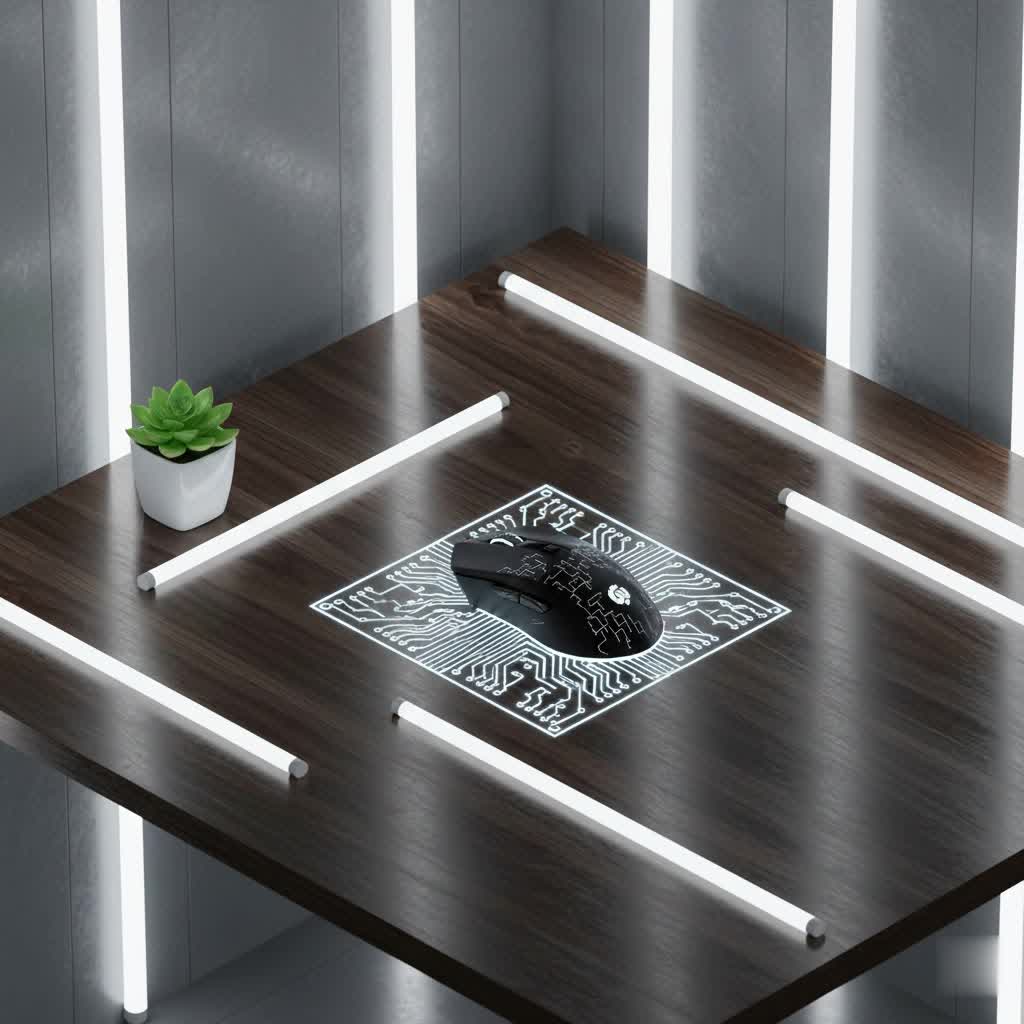
A custom gaming mouse pad is more than a mere desk accessory; it’s a personalized performance tool designed to meet a gamer’s specific needs and aesthetic preferences. Unlike standard, mass-produced mouse pads, custom versions allow for unique designs, precise sizing, and material choices that directly impact gameplay. They are crucial because the interaction between your mouse and its surface dictates tracking accuracy, glide, and control, all vital components for competitive play. A well-chosen custom mouse pad can minimize friction, prevent accidental slips, and provide ergonomic support, translating into more fluid movements and reduced fatigue during intense, long gaming sessions.
Types and Features of Custom Gaming Mouse Pads
Custom gaming mouse pads come in a variety of configurations, each offering distinct advantages depending on a gamer’s preferences and setup. Understanding these types and features is key to making an informed choice.
By Size
The size of your mouse pad directly influences your freedom of movement and desk organization.
- Small (e.g., 12″x10″): Ideal for gamers with limited desk space or those who prefer high DPI settings, requiring minimal mouse movement.
- Medium (e.g., 18″x16″): A balanced choice offering ample movement space without dominating the desk.
- Large/Extended (e.g., 31″x12″ to 36″x18″ or larger desk mats): These expansive pads can cover a significant portion of your desk, accommodating both your mouse and keyboard. They are perfect for low-DPI gamers who execute broad, sweeping mouse movements and offer a cohesive aesthetic.
|
Our Picks for the Best Gaming Mouse in 2026
As an Amazon Associate I earn from qualifying purchases.
|
||
| Num | Product | Action |
|---|---|---|
| 1 | Razer Basilisk V3 Customizable Ergonomic Gaming Mouse: Fastest Gaming Mouse Switch - Chroma RGB Lighting - 26K DPI Optical Sensor - 11 Programmable Buttons - HyperScroll Tilt Wheel - Classic Black |

|
| 2 | Razer DeathAdder Essential Gaming Mouse: 6400 DPI Optical Sensor - 5 Programmable Buttons - Mechanical Switches - Rubber Side Grips - Classic Black |
|
| 3 | Logitech G502 Hero High Performance Wired Gaming Mouse, Hero 25K Sensor, 25,600 DPI, RGB, Adjustable Weights, 11 Buttons, On-Board Memory, PC/Mac |
|
| 4 | Razer Viper V3 Pro Wireless Esports Gaming Mouse: Symmetrical - 54g Lightweight - 8K Polling - 35K DPI Optical Sensor - Gen3 Optical Switches - 8 Programmable Buttons - 95 Hr Battery - Black |
|
| 5 | Razer Basilisk V3 X HyperSpeed Customizable Wireless Gaming Mouse: Mechanical Switches Gen-2-5G Advanced 18K Optical Sensor - Chroma RGB 9 Programmable Controls 535 Hr Battery Classic Black |
|
| 6 | Logitech G305 Lightspeed Wireless Gaming Mouse, Hero 12K Sensor, 12,000 DPI, Lightweight, 6 Programmable Buttons, 250h Battery Life, On-Board Memory, PC/Mac - Black |
|
| 7 | Redragon M612 Predator RGB Gaming Mouse, 8000 DPI Wired Optical Mouse with 11 Programmable Buttons & 5 Backlit Modes, Software Supports DIY Keybinds Rapid Fire Button |
|
| 8 | MechLands AJAZZ AJ139P V3 MC Wireless Mouse with Charging Base, 3 Modes Gaming Mouse with 800mAh Battery, Adjustable 24,000 DPI, PAW3311 Sensor, 1000 Polling Rate, 69g Lightweight, Win/Mac (Black) |
|
| 9 | MAMBASNAKE ATTACKSHARK V8 Wireless Ultralight Gaming Mouse with 8K Polling,42000 DPI,Nordic54L15 MCU Chip,PAW3950 Max Sensor-Wired/BT/2.4Ghz,400Hrs Long Battery,Programmable for PC Mac FPS(White+Tape) |
|
| 10 | Logitech G PRO X Superlight Wireless Gaming Mouse, Ultra-Lightweight, Hero 25K Sensor, 25,600 DPI, 5 Programmable Buttons, Long Battery Life, Compatible with PC/Mac - Black |
|
By Thickness
Mouse pad thickness affects comfort and the feel of your desk surface.
- 2mm (.07 inches): Often the lightest and most affordable, offering a firmer feel.
- 3mm (.11 inches): A popular bestseller, striking a balance between cushioning and desk feedback. Many consider this the “sweet spot” for most gamers.
- 4mm (.15 inches) and above: Provides maximum cushioning and wrist support, ideal for long hours of use, and can help to mask minor imperfections on the desk surface.
By Edge Type
The edges of a mouse pad can impact both durability and performance.
- Stitched Edges: These edges are sewn to prevent fraying and increase the mouse pad’s lifespan. They are common and offer excellent durability.
- Non-Stitched Edges: Some competitive gamers prefer non-stitched edges for an ultra-smooth, uninterrupted glide, as the slight bump from stitching can sometimes interfere with precise mouse movements.
Additional Features
Beyond size and material, custom mouse pads can include specialized features.
- RGB Lighting: Integrated LED lighting along the edges of the mouse pad allows for dynamic illumination, customizable colors, and effects, often powered via USB. This feature adds a vibrant aesthetic to any gaming setup.
- Integrated Wrist Rests: Some pads incorporate cushioned wrist rests to provide ergonomic support, reducing strain and discomfort during prolonged use.
In-Depth Look at Custom Gaming Mouse Pad Materials
The material of a custom gaming mouse pad is arguably the most critical factor, dictating the balance between speed, control, and durability. Each material offers a unique tactile experience and performance profile.
Cloth/Fabric Mouse Pads
- Description: The most prevalent type, featuring a soft, woven textile surface, often with a rubber base.
- Pros:
- Control-Oriented: Offers more friction, allowing for precise, controlled mouse movements, favored by many FPS (First-Person Shooter) players.
- Comfort: Soft surface provides a comfortable resting place for the hand and wrist.
- Portability: Can often be rolled up for easy transport.
- Affordable: Generally more budget-friendly.
- Cons:
- Wear and Tear: Can fray at the edges over time, especially without stitching.
- Environmental Factors: Humidity can sometimes affect glide consistency.
- Cleaning: Can absorb sweat and dirt, requiring more frequent cleaning.
- Ideal Use: Gamers prioritizing precision and control, such as tactical FPS players, and those seeking comfort.
Hard Surface Mouse Pads (Plastic, Glass, Metal)
- Description: Made from rigid materials like PVC, polycarbonate, tempered glass, or aluminum.
- Pros:
- Speed-Oriented: Extremely low friction for lightning-fast glides and quick flick shots.
- Durability: Highly resistant to wear and tear, and less affected by humidity.
- Easy to Clean: Spills and dirt can be wiped away effortlessly.
- Consistent Glide: Offers a uniform surface for consistent tracking.
- Cons:
- Comfort: Less comfortable than cloth pads, lacking cushioning.
- Mouse Skate Wear: Can cause mouse feet (skates) to wear down faster.
- Noise: Can be noisier than cloth pads due to mouse movement.
- Ideal Use: Gamers who demand maximum speed and swift, responsive movements, such as some competitive FPS or MOBA players.
Hybrid Material Mouse Pads (e.g., Cordura)
- Description: These pads aim to combine the best attributes of both cloth and hard surfaces. Cordura, a synthetic fiber-based fabric, is a popular choice for hybrid pads.
- Pros:
- Balanced Performance: Offers a good mix of speed and control.
- Durability: Often more resistant to wear, water, and dirt than traditional cloth.
- Easy Maintenance: Easier to clean and less prone to humidity effects.
- Cons:
- Availability: Fewer brands offer true hybrid options.
- Cost: Can be pricier than standard cloth pads.
- Ideal Use: Gamers seeking a versatile pad that offers both speed and a degree of control, with enhanced durability.
Rubber/EVA Foam Bases
While not a surface material, the base of a custom mouse pad is crucial. Most quality custom mouse pads feature a non-slip rubber or EVA foam base. This ensures the pad stays firmly in place, even during aggressive mouse movements, and adds a layer of cushioning for comfort and stability.
Key Factors to Consider When Designing Your Custom Gaming Mouse Pad
Creating a custom gaming mouse pad involves several considerations beyond just a cool image. Thinking through these factors ensures your personalized pad performs as well as it looks.
Sensor Compatibility & Performance
Modern gaming mice, whether optical or laser, are designed to perform on a variety of surfaces. However, a consistent, high-quality surface is paramount for optimal sensor tracking. Custom pads with a fine, uniform texture ensure that your mouse’s DPI (Dots Per Inch) and IPS (Inches Per Second) capabilities are fully utilized, allowing for pixel-perfect precision without skips or jitters. The balance between speed (low friction) and control (higher friction) should align with your preferred gaming style.
Ergonomics & Hand Comfort
Long gaming sessions can take a toll on your wrist and hand. The design of your custom mouse pad can mitigate this.
- Size: A sufficiently large pad allows you to move your mouse freely without lifting it, reducing strain.
- Thickness: Thicker pads (3mm-4mm+) provide more cushioning, which can be beneficial for wrist comfort.
- Wrist Rests: If you experience wrist discomfort, choosing a custom pad with an integrated gel or foam wrist rest can offer crucial support.
Durability & Build Quality
A custom gaming mouse pad is an investment, so durability is important.
- Material Choice: As discussed, hard surfaces and hybrid materials generally offer higher durability than standard cloth.
- Edge Stitching: Opting for stitched edges significantly prolongs the life of a cloth pad by preventing fraying.
- Printing Methods: High-quality printing techniques ensure the design won’t fade or peel, maintaining the pad’s aesthetic appeal over time.
Aesthetics & Personalization
This is where “custom” truly shines. Your mouse pad can be a direct extension of your personality, gaming clan, or favorite game.
- Image Resolution: Always use high-resolution images (300 DPI or higher) to avoid pixelation or blurriness on the printed pad. Consider “bleed areas” to ensure full-print designs extend to the very edge without white borders.
- Design Ideas: The possibilities are endless—your gamer tag, intricate game art, team logos, personal photos, motivational quotes, or even abstract patterns.
- Print Quality: Ensure the custom print service uses advanced printing technologies for vibrant colors and sharp details.
Desk Space & Setup
Before finalizing your custom pad’s size, measure your available desk space. Consider how much room your keyboard, monitor stand, and other peripherals occupy. An extended desk mat, while offering maximum surface area, needs adequate space to lay flat and perform optimally. A well-planned layout ensures both functionality and a clean, organized aesthetic.
The Customization Process: Bringing Your Design to Life
The journey from a blank canvas to your personalized gaming surface is straightforward, thanks to modern customization services.
Image Selection & Resolution
The quality of your final custom mouse pad heavily depends on the image you provide.
- High-Resolution is Key: Aim for images with at least 300 DPI (Dots Per Inch) at the desired print size. Low-resolution images will appear pixelated.
- Aspect Ratio: Match the aspect ratio of your image to the mouse pad size to avoid awkward cropping.
- Bleed Areas: For full-coverage designs, factor in a bleed area (extra image space around the edges) to ensure the design extends to the very edge of the pad without white borders appearing after trimming.
- File Formats: Common formats like JPG, PNG, and TIFF are usually accepted, with PNG often preferred for designs with transparent backgrounds.
Design Inspiration
Need ideas? Look no further than your passions:
- Gaming Themes: Artwork from your favorite games, character renders, iconic landscapes, or game logos.
- Personal Branding: Your streaming logo, gamer tag, or team emblem.
- Personal Memories: Photos of pets, family, or memorable moments.
- Abstract Art: Geometric patterns, cosmic scenes, or minimalist designs.
- AI-Generated Art: Tools like DALL-E or Midjourney can generate unique concepts to adapt.
Printing Technologies
Different printing methods offer distinct advantages:
- Dye-Sublimation Printing: The most common and preferred method for mouse pads. Ink is infused directly into the fabric, resulting in vibrant, full-color designs that won’t crack, peel, or fade. It’s excellent for detailed graphics and photographic quality.
- Silk-Screen Printing: Best for designs with fewer colors, solid blocks of color, and crisp lines (e.g., logos). It’s durable but less versatile for complex, multi-color images.
- Laser Engraving: Typically used for hard surface mouse pads, creating a precise, etched design. This method offers a premium, subtle look but isn’t suitable for colorful graphics.
Maximizing Your Custom Gaming Mouse Pad’s Lifespan and Performance
A custom gaming mouse pad is an investment in your setup and gameplay. Proper care ensures it remains in top condition for years.
Proper Cleaning Techniques
Keeping your mouse pad clean is vital for consistent performance and hygiene.
- Cloth Pads: Gently hand wash with mild soap (like dish soap) and lukewarm water. Avoid harsh chemicals or machine washing, which can damage the surface or rubber base. Rinse thoroughly and air dry completely before use.
- Hard Surface Pads: Simply wipe down with a damp cloth and mild cleaner. These are much easier to maintain.
- Avoid Abrasives: Do not use abrasive brushes or sponges that could damage the surface texture.
Optimal Mouse Pad Placement
Ensure your mouse pad lies flat on a clean, even surface. Bumps, crumbs, or unevenness beneath the pad can interfere with sensor tracking and create an uncomfortable user experience. A non-slip base is designed to keep the pad secure, so avoid placing it on slick surfaces where it might slide around.
A custom gaming mouse pad is more than just an accessory; it’s a statement. It’s a convergence of personal style and optimized performance, offering a tailored surface that can profoundly impact your gaming experience. From enhancing precision and comfort to reflecting your unique identity, investing in a custom mouse pad transforms your desk into a truly personal battle station. By understanding the various materials, sizes, and design considerations, you’ll be well-equipped to create the perfect foundation for victory.
Frequently Asked Questions
What is the ideal size for a gaming mouse pad?
The ideal size depends on your gaming style and desk space. Low-DPI gamers who make large, sweeping mouse movements benefit most from large or extended desk mats, typically 30 inches or more in width. High-DPI gamers might find smaller to medium-sized pads sufficient, as they require less physical movement of the mouse. Always measure your desk to ensure a comfortable fit.
Do custom mouse pads affect gaming performance?
Yes, custom mouse pads can significantly affect gaming performance. They provide a consistent, optimized surface for your mouse sensor, improving tracking accuracy and responsiveness. The right material can offer the perfect balance of speed and control for your playstyle, while ergonomic features enhance comfort, reducing fatigue during long gaming sessions.
How do I clean my custom gaming mouse pad?
For cloth custom mouse pads, gently hand wash with a small amount of mild soap and lukewarm water. Rinse thoroughly and air dry completely. Avoid machine washing or harsh chemicals. For hard surface custom mouse pads, simply wipe them down with a damp cloth and a gentle cleaner.
What image resolution is best for a custom mouse pad?
For the best print quality on your custom mouse pad, an image resolution of at least 300 DPI (Dots Per Inch) at the desired print size is highly recommended. Using lower resolution images can result in a pixelated or blurry design, diminishing the visual appeal of your personalized pad.
