For gamers with larger hands, the quest for the perfect mouse is more than just a preference; it’s a necessity for comfort, precision, and peak performance. Trying to wield a standard-sized mouse with big hands often leads to uncomfortable grip styles, hand cramps, and reduced accuracy during critical in-game moments. This comprehensive guide will help you navigate the world of gaming mice, ensuring you find a companion that fits your hand like a glove and elevates your gaming experience.
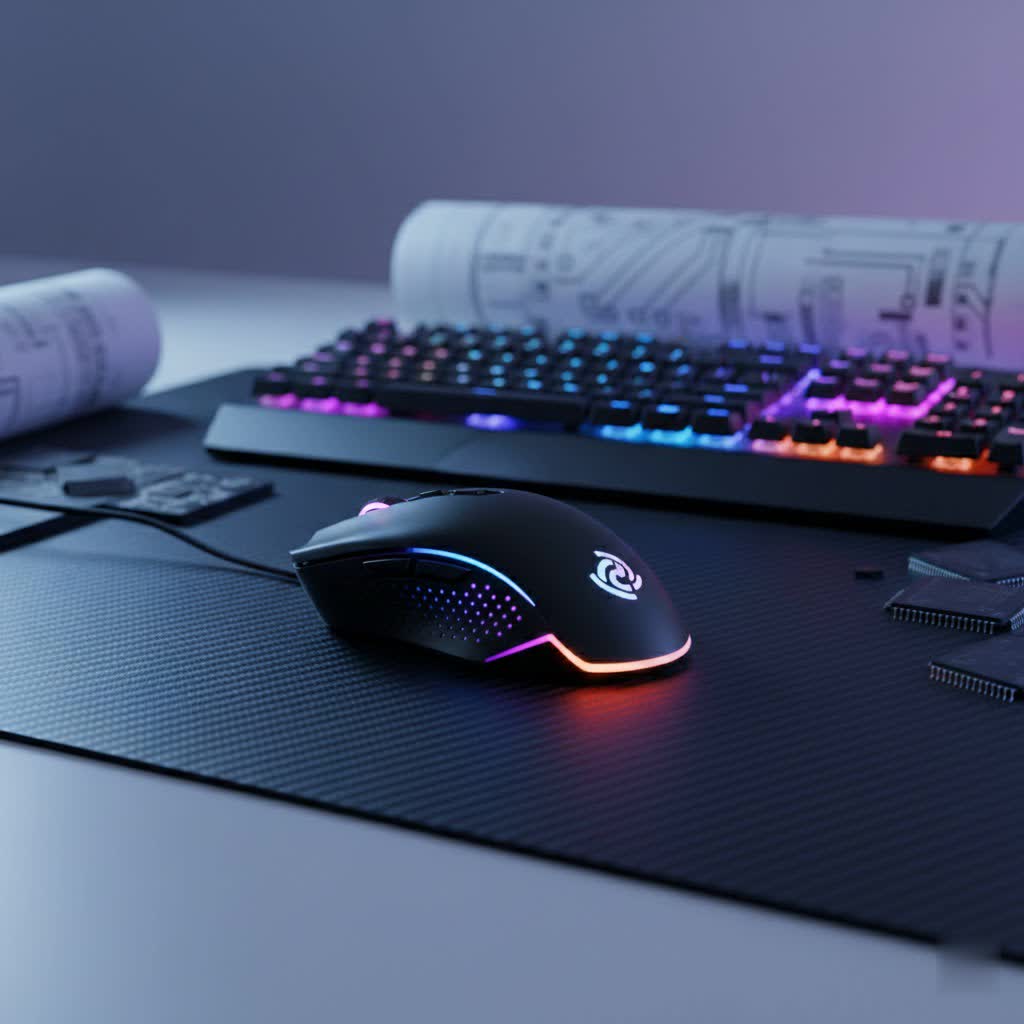
What is a Gaming Mouse? Why Are They Important?
A gaming mouse is a specialized peripheral engineered to meet the demanding requirements of competitive gaming. Unlike a conventional office mouse, it boasts higher precision sensors, faster response times, and customizable buttons and ergonomics crucial for navigating virtual worlds with agility and accuracy. For individuals with larger hands, the importance is amplified, as a well-suited gaming mouse can prevent the fatigue and pain caused by an ill-fitting device, transforming lengthy gaming sessions from a struggle into a comfortable, immersive experience.
How Hand Size Impacts Mouse Choice
Your hand size significantly influences which mouse will feel comfortable and perform best. Generally, a hand length of 20 cm or more, measured from the tip of the middle finger to the wrist, is considered large. For men, this often extends to over 20.5 cm in length and at least 10 cm in width. A mouse that is too small for large hands forces an unnatural grip, causing fingers to curl excessively or the palm to hang off the device, leading to discomfort and hindering precise movements. Conversely, a larger mouse provides ample surface area, allowing the hand to rest naturally, supporting the palm and wrist, and distributing pressure evenly.
Common Gaming Mouse Grip Styles and Their Suitability for Big Hands
Your mouse grip style is how you interact with your mouse and significantly impacts your choice, especially with larger hands. There are three primary grip styles:
- Palm Grip: This is the most common and often the most natural grip, where your entire palm and fingers rest fully on the mouse. It offers maximum comfort and stability, making it ideal for long gaming sessions and broad, sweeping movements. For gamers with large hands, the palm grip is frequently the most comfortable, as it evenly distributes pressure and minimizes finger tension, keeping the wrist in a neutral position.
- Claw Grip: With a claw grip, the back of your palm rests on the rear of the mouse, while your fingers arch sharply, resembling a claw, with only the fingertips and the base of the fingers making contact with the buttons. This style offers a balance of speed and precision, allowing for more agile and responsive movements. While achievable with larger hands, finding a mouse with the right hump and length is key to prevent cramping.
- Fingertip Grip: In a fingertip grip, only your fingertips make contact with the mouse, with your palm hovering above the device. This grip maximizes agility and allows for quick, precise micro-adjustments, making it a favorite for fast-paced FPS games. While often associated with smaller, lighter mice, some larger, ambidextrous designs can accommodate a fingertip grip for big hands, though it requires more finger strength and control.
Key Factors to Consider When Choosing a Gaming Mouse for Big Hands
Selecting the right gaming mouse for large hands involves prioritizing specific features that cater to your anatomical needs and gaming style.
Sensor (DPI, IPS, Acceleration)
The mouse’s sensor is its brain, dictating precision and responsiveness.
- DPI (Dots Per Inch) / CPI (Counts Per Inch): This measures how many pixels your cursor moves per inch of mouse movement. High DPI settings (e.g., 25,600 DPI or 30,000 DPI) allow for faster cursor movement with less physical mouse motion, though competitive gamers often use lower DPI settings for finer control.
- IPS (Inches Per Second): Indicates the maximum speed at which the sensor can track without losing accuracy. Higher IPS values (e.g., 500 IPS, 750 IPS) are crucial for gamers who make rapid, sweeping movements.
- Acceleration: This is the rate at which your cursor speed increases based on how quickly you move the mouse. Zero acceleration (1:1 tracking) is generally preferred by professional gamers for consistent, predictable aiming. Look for top-tier optical sensors like Logitech’s HERO 25K or Razer’s Focus Pro 30K for flawless performance.
|
Our Picks for the Best Gaming Mouse in 2026
As an Amazon Associate I earn from qualifying purchases.
|
||
| Num | Product | Action |
|---|---|---|
| 1 | Logitech G PRO X Superlight Wireless Gaming Mouse, Ultra-Lightweight, Hero 25K Sensor, 25,600 DPI, 5 Programmable Buttons, Long Battery Life, Compatible with PC/Mac - Black |

|
| 2 | Razer Basilisk V3 Customizable Ergonomic Gaming Mouse: Fastest Gaming Mouse Switch - Chroma RGB Lighting - 26K DPI Optical Sensor - 11 Programmable Buttons - HyperScroll Tilt Wheel - Classic Black |
|
| 3 | MAMBASNAKE ATTACKSHARK V8 Wireless Ultralight Gaming Mouse with 8K Polling,42000 DPI,Nordic54L15 MCU Chip,PAW3950 Max Sensor-Wired/BT/2.4Ghz,400Hrs Long Battery,Programmable for PC Mac FPS(White+Tape) |
|
| 4 | Logitech G305 Lightspeed Wireless Gaming Mouse, Hero 12K Sensor, 12,000 DPI, Lightweight, 6 Programmable Buttons, 250h Battery Life, On-Board Memory, PC/Mac - Black |
|
| 5 | Razer DeathAdder Essential Gaming Mouse: 6400 DPI Optical Sensor - 5 Programmable Buttons - Mechanical Switches - Rubber Side Grips - Classic Black |
|
| 6 | Logitech G502 Hero High Performance Wired Gaming Mouse, Hero 25K Sensor, 25,600 DPI, RGB, Adjustable Weights, 11 Buttons, On-Board Memory, PC/Mac |
|
| 7 | Redragon M612 Predator RGB Gaming Mouse, 8000 DPI Wired Optical Mouse with 11 Programmable Buttons & 5 Backlit Modes, Software Supports DIY Keybinds Rapid Fire Button |
|
| 8 | Razer Viper V3 Pro Wireless Esports Gaming Mouse: Symmetrical - 54g Lightweight - 8K Polling - 35K DPI Optical Sensor - Gen3 Optical Switches - 8 Programmable Buttons - 95 Hr Battery - Black |
|
| 9 | MechLands AJAZZ AJ139P V3 MC Wireless Mouse with Charging Base, 3 Modes Gaming Mouse with 800mAh Battery, Adjustable 24,000 DPI, PAW3311 Sensor, 1000 Polling Rate, 69g Lightweight, Win/Mac (Black) |
|
| 10 | Razer Basilisk V3 X HyperSpeed Customizable Wireless Gaming Mouse: Mechanical Switches Gen-2-5G Advanced 18K Optical Sensor - Chroma RGB 9 Programmable Controls 535 Hr Battery Classic Black |
|
Shape and Size
This is paramount for big hands. Prioritize mice with larger bodies, an extended length, and sufficient width to fill your palm comfortably without forcing your fingers into an unnatural curl. An ergonomic design with a deep palm rest and dedicated thumb rest can significantly reduce strain during extended use. Mice like the Logitech G502 X Plus and Razer DeathAdder V3 HyperSpeed are renowned for their ergonomic shapes suitable for large palms.
Number of Buttons and Customization
The more buttons, the more versatility. Gaming mice often feature programmable buttons that can be assigned macros or in-game commands.
- Programmable Buttons: From a basic two-side-button setup to numerous buttons for MMOs (e.g., Razer Basilisk V3 Pro with 13 programmable buttons), consider your gaming genre.
- Software Customization: Accompanying software allows you to remap buttons, adjust DPI settings, create macros, and customize RGB lighting.
Durability and Quality
A gaming mouse should withstand millions of clicks and intense usage.
- Switch Type and Lifespan: Look for durable mechanical or optical switches (e.g., Logitech’s LIGHTFORCE optical-mechanical switches, Razer’s Optical Mouse Switches Gen 3) with high click ratings (e.g., 90 million clicks) to prevent issues like double-clicking.
- Build Materials: Quality plastics, textured grips, and robust construction contribute to a mouse’s longevity and feel.
Weight
The ideal mouse weight is often a personal preference influenced by gaming style.
- Lightweight Mice (under 80g): Favored by FPS players for quick flick shots and reduced arm fatigue (e.g., Razer DeathAdder V3 HyperSpeed at 55g, Glorious Model D 2 at 58g, HyperX Pulsefire Haste at 61g).
- Heavier Mice (over 100g): Some gamers prefer the added stability and control offered by heavier mice, particularly for MMOs or general desktop use (e.g., Logitech G903 LIGHTSPEED at ~110g).
- Adjustable Weight Systems: Mice like the CORSAIR Nightsword RGB offer adjustable weights (119-141g), allowing you to fine-tune the balance to your exact preference and grip style.
Connectivity
Choosing between wired and wireless depends on your priorities.
- Wired Mice: Offer the lowest latency and never require charging. Ideal for competitive play where every millisecond counts (e.g., ASUS ROG Gladius III).
- Wireless Mice: Provide freedom of movement. Modern wireless technologies (e.g., Logitech LIGHTSPEED, Razer HyperSpeed) offer near-wired latency (1ms polling rates) and excellent battery life (e.g., Razer DeathAdder V3 HyperSpeed up to 100 hours, Logitech G903 LIGHTSPEED up to 180 hours without RGB). Some also support wireless charging (e.g., Logitech PowerPlay compatible mice).
LED RGB Lighting
While largely aesthetic, customizable RGB lighting can add flair to your setup and enhance immersion. Some mice offer multiple zones and millions of colors, though continuous RGB use can impact battery life on wireless models.
Top Gaming Mouse Brands & Models for Large Hands
Many manufacturers now design mice specifically with larger hands in mind. Here are some of the top recommendations:
- Logitech G502 X Plus: Often cited as an excellent overall choice for big hands, featuring a comfortable ergonomic shape for palm grip, 13 programmable buttons, a high-precision HERO 25K sensor, and LIGHTFORCE optical-mechanical switches. It offers both wired and LIGHTSPEED wireless connectivity, with PowerPlay charging compatibility.
- Razer DeathAdder V3 HyperSpeed: A flagship ultralight (55g) mouse praised for its ergonomic right-handed design, deep palm rest, and suitability for large hands. It features a Focus X 26K sensor, HyperSpeed wireless connectivity, and boasts up to 100 hours of battery life.
- Logitech G903 LIGHTSPEED: This versatile mouse features an ergonomic ambidextrous design with removable side buttons, making it suitable for both right- and left-handed users. It’s equipped with the HERO 25K sensor, LIGHTSPEED wireless, and supports PowerPlay wireless charging, offering up to 180 hours of battery life without RGB.
- Razer Basilisk V3 Pro: Ideal for MMO players and multitaskers, this mouse offers 13 programmable buttons, a four-way HyperScroll tilt wheel, and a top-tier Focus Pro 30K optical sensor. It supports HyperSpeed wireless with options for 8K Hz polling rate.
- CORSAIR Nightsword RGB: A unique wired option known for its Smart Tunable Weight system, allowing precise adjustments (119-141g) to balance and center of gravity. It features an ergonomic thumb rest and a PixArt PWM-3391 optical sensor.
- ASUS ROG Gladius III: A reliable wired mouse for serious gamers, featuring hot-swappable switches, a specially tuned 26,000 DPI optical sensor, and an ergonomic right-handed design. It’s lightweight at 89g for a wired model.
- HyperX Pulsefire Haste: This ultralight (61g) mouse features a honeycomb shell, a PixArt PAW3335 sensor, and is suitable for claw or fingertip grip users. Its wireless version offers up to 100 hours of battery life.
- Glorious Model D / Model D 2: Both models are lightweight (68g and 58g, respectively) and ergonomically designed for palm and claw grip. They offer high-accuracy sensors (PMW-3360 or BAMF 2.0) at an accessible price point, making them great budget-friendly options.
- Pulsar Xlite V3 Large & Lamzu Maya X: These are newer, highly-rated options for large hands in 2025, with the Lamzu Maya X being particularly noted for its extremely lightweight (47g) ambidextrous design and comfort across all grip styles.
Tips for Using and Maintaining Your Gaming Mouse
Once you’ve found your perfect gaming mouse, a few tips can help you maximize its lifespan and performance:
- Proper Grip Practice: Experiment with slight variations in your grip to find the most comfortable and efficient position that minimizes strain.
- Use a Quality Mousepad: A good gaming mousepad provides a consistent surface for tracking and allows for smooth gliding, enhancing overall control and precision.
- Regular Cleaning: Dust and debris can accumulate in sensors and switches. Use compressed air and a microfiber cloth to keep your mouse clean.
- Update Firmware and Drivers: Manufacturers regularly release updates to improve performance, fix bugs, and add features. Keep your mouse’s software and firmware up to date.
- Manage Battery Life (Wireless): If you have a wireless mouse, be mindful of battery levels. Utilize power-saving features like turning off RGB when not needed, and charge regularly to avoid interruptions during gameplay.
Conclusion
Finding the ideal Gaming Mouse For Big Hands is a crucial step towards optimizing your gaming performance and comfort. It’s about more than just raw specifications; it’s about how the mouse feels in your hand, how it supports your grip, and how it responds to your every command. By prioritizing ergonomics, considering your grip style, and choosing a mouse with a precise sensor and appropriate weight, you can eliminate discomfort and unlock your full potential in any game. The market offers a fantastic array of options, from ergonomic powerhouses to ultralight, agile devices, ensuring there’s a perfect fit for every big-handed gamer. What gaming mouse features are most important to you for your next upgrade?
Frequently Asked Questions
Is a bigger mouse always better for large hands?
Yes, generally, a bigger mouse provides better grip, comfort, and significantly reduces fatigue during long gaming sessions. It allows your hand to rest in a more natural position without excessive curling of the fingers, which enhances both precision and control. Larger models offer superior support for the palm and wrist, minimizing the risk of strain over time.
What is the most comfortable grip for big hands?
The palm grip is widely considered the most comfortable for large hands, as it allows for an even distribution of pressure across the palm and reduces tension in the fingers. This grip helps maintain a neutral wrist position, which is essential for preventing fatigue and repetitive strain injuries during extended play.
How do I know if my hands are considered “big” for a gaming mouse?
A hand length of 20 cm or more, measured from the tip of your middle finger to the crease of your wrist, is typically classified as large. For men, hand sizes exceeding 20.5 cm in length and 10 cm in width are generally considered substantial, necessitating a mouse that can fully support the palm and prevent cramped finger positioning.
Can I use a lightweight mouse if I have big hands?
Absolutely. While traditionally larger mice were often heavier, modern lightweight gaming mice are increasingly designed with ergonomics for big hands. Many FPS players with large hands prefer lighter models (e.g., 55-80g) for the agility and faster flick shots they enable, provided the mouse’s overall dimensions still offer adequate support for their grip.
Do ambidextrous mice work well for big hands?
Ambidextrous mice can work well for big hands, especially if they have a symmetrical shape that still offers enough length and width to prevent cramping. Models like the Logitech G903 LIGHTSPEED are designed to be versatile for both left and right-handed users, often providing modular buttons and robust ergonomics that can suit larger hands comfortably.
