Are you constantly running out of mouse space in the middle of an intense firefight, or is your desk a jumbled mess of peripherals? If so, it might be time to upgrade your gaming setup with an XXL gaming mouse pad. These oversized mats are more than just a surface for your mouse; they are a foundational element that can transform your entire workspace, offering unparalleled space, precision, and aesthetic coherence. This comprehensive guide will walk you through everything you need to know about XXL gaming mouse pads, helping you select the perfect one to dominate virtual battlefields and enhance your daily productivity.
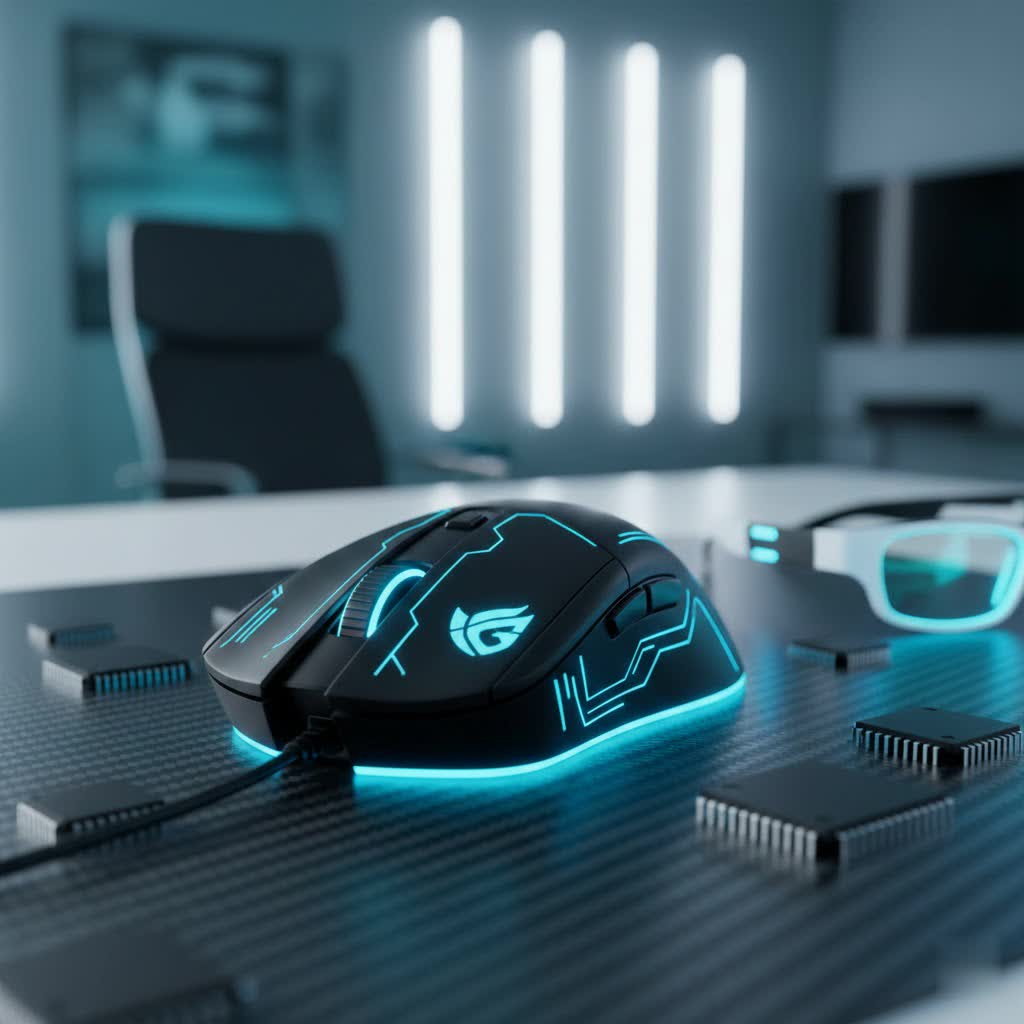
What is an XXL Gaming Mouse Pad? Why Do They Matter?
An XXL gaming mouse pad, also commonly referred to as an extended mouse pad or desk mat, is a single, large surface designed to cover a substantial portion of your desk. Unlike standard mouse pads that provide limited space for just your mouse, an XXL pad is typically large enough to accommodate your keyboard, mouse, and often other peripherals like a monitor stand, headphones, or even a drink, unifying your entire desktop setup.
The importance of an XXL gaming mouse pad, especially for serious gamers, cannot be overstated. For players who utilize lower DPI (Dots Per Inch) settings for enhanced accuracy—a common practice in competitive FPS (First-Person Shooter) games—the expansive surface ensures you never “run off” your pad during large, sweeping mouse movements. This consistent surface eliminates disruptive friction changes and prevents your mouse from falling off the edge mid-action, fostering consistent muscle memory and improving overall control and precision. Beyond gaming, these pads contribute to a cleaner, more organized, and ergonomically comfortable workspace, protecting your desk from wear and tear.
Types of XXL Gaming Mouse Pads: Surface and Material
While most XXL gaming mouse pads are made from cloth, the specific weave and texture of the surface material significantly impact performance. Understanding these differences is crucial for finding a pad that matches your playstyle.
- Control-Focused Surfaces: These pads typically feature a rougher, more textured micro-woven cloth surface designed to provide higher friction. This increased resistance offers superior stopping power and precise micro-adjustments, making them ideal for games requiring pinpoint accuracy, such as sniping in FPS titles or intricate movements in strategy games. Players who prefer slower, deliberate movements often benefit most from control pads.
- Speed-Focused Surfaces: Characterized by a smoother, often slicker surface, these pads minimize friction, allowing for rapid mouse glides and quick, effortless flicks. They are favored by players who need to execute fast, wide movements with minimal effort, common in fast-paced arena shooters or battle royale games. While offering speed, some may find them less precise for very small adjustments.
- Hybrid Surfaces: A growing category, hybrid pads aim to strike a balance between speed and control. They feature materials and weaves designed to offer a medium glide with enough stopping power for controlled movements. These versatile pads are excellent for gamers who play a variety of genres or seek a balanced experience.
The most common material for XXL pads is high-density micro-woven cloth, known for its durability and consistent tracking. Some may incorporate synthetic blends for specific glide properties or water resistance.
Key Features to Consider When Choosing an XXL Gaming Mouse Pad
Selecting the perfect XXL gaming mouse pad involves more than just picking the biggest one. Several features play a critical role in your overall experience:
Size and Dimensions
|
Our Picks for the Best Gaming Mouse in 2026
As an Amazon Associate I earn from qualifying purchases.
|
||
| Num | Product | Action |
|---|---|---|
| 1 | MAMBASNAKE ATTACKSHARK V8 Wireless Ultralight Gaming Mouse with 8K Polling,42000 DPI,Nordic54L15 MCU Chip,PAW3950 Max Sensor-Wired/BT/2.4Ghz,400Hrs Long Battery,Programmable for PC Mac FPS(White+Tape) |

|
| 2 | MechLands AJAZZ AJ139P V3 MC Wireless Mouse with Charging Base, 3 Modes Gaming Mouse with 800mAh Battery, Adjustable 24,000 DPI, PAW3311 Sensor, 1000 Polling Rate, 69g Lightweight, Win/Mac (Black) |
|
| 3 | Razer DeathAdder Essential Gaming Mouse: 6400 DPI Optical Sensor - 5 Programmable Buttons - Mechanical Switches - Rubber Side Grips - Classic Black |
|
| 4 | Logitech G305 Lightspeed Wireless Gaming Mouse, Hero 12K Sensor, 12,000 DPI, Lightweight, 6 Programmable Buttons, 250h Battery Life, On-Board Memory, PC/Mac - Black |
|
| 5 | Redragon M612 Predator RGB Gaming Mouse, 8000 DPI Wired Optical Mouse with 11 Programmable Buttons & 5 Backlit Modes, Software Supports DIY Keybinds Rapid Fire Button |
|
| 6 | Razer Basilisk V3 Customizable Ergonomic Gaming Mouse: Fastest Gaming Mouse Switch - Chroma RGB Lighting - 26K DPI Optical Sensor - 11 Programmable Buttons - HyperScroll Tilt Wheel - Classic Black |
|
| 7 | Razer Basilisk V3 X HyperSpeed Customizable Wireless Gaming Mouse: Mechanical Switches Gen-2-5G Advanced 18K Optical Sensor - Chroma RGB 9 Programmable Controls 535 Hr Battery Classic Black |
|
| 8 | Razer Viper V3 Pro Wireless Esports Gaming Mouse: Symmetrical - 54g Lightweight - 8K Polling - 35K DPI Optical Sensor - Gen3 Optical Switches - 8 Programmable Buttons - 95 Hr Battery - Black |
|
| 9 | Logitech G PRO X Superlight Wireless Gaming Mouse, Ultra-Lightweight, Hero 25K Sensor, 25,600 DPI, 5 Programmable Buttons, Long Battery Life, Compatible with PC/Mac - Black |
|
| 10 | Logitech G502 Hero High Performance Wired Gaming Mouse, Hero 25K Sensor, 25,600 DPI, RGB, Adjustable Weights, 11 Buttons, On-Board Memory, PC/Mac |
|
XXL pads come in various dimensions, typically ranging from 800mm to 1200mm in width and 400mm to 600mm in height (approximately 31×16 inches to 47×24 inches). Common sizes include 900x400mm (around 35×16 inches). Consider your desk dimensions and how much real estate you want to cover. Ensure it’s large enough to comfortably fit your keyboard and provide ample mouse movement without hanging awkwardly off the edges. Some “3XL” pads offer even more colossal coverage for those with truly massive desks or multi-monitor setups.
Surface Type & Glide
As discussed, the surface dictates your mouse’s glide.
- Control surfaces offer higher friction for precision.
- Speed surfaces provide a slicker feel for rapid movements.
- Hybrid surfaces aim for a balanced feel.
Your choice should align with your primary gaming genres and personal preference for how your mouse feels on the pad.
Thickness
XXL mouse pads typically come in thicknesses of 3mm or 4mm, though some can be thinner or thicker.
- 3mm pads offer a firm, consistent surface with a balance of comfort and speed.
- 4mm+ pads provide more cushioning, which can be beneficial for wrist comfort during extended sessions and offer some acoustic dampening. However, a thicker pad might slightly alter the mouse’s feel and perceived glide due to increased compression.
Base Material
A robust, non-slip rubber base is essential. This prevents the mouse pad from shifting or bunching up during intense gaming sessions, ensuring a stable and uninterrupted surface for your movements. High-quality rubber bases offer superior grip on various desk materials.
Edge Stitching
Durable, anti-fray stitched edges are a must-have for longevity. Without proper stitching, the edges of cloth mouse pads can peel or fray over time, compromising aesthetics and comfort. Reinforced stitched edges protect the pad from daily wear and tear, ensuring it looks and performs well for years.
Aesthetics
Many XXL pads offer various designs, colors, and even RGB lighting. While not directly impacting performance, the visual appeal contributes to your overall setup’s look and feel. RGB lighting, typically along the edges, adds a vibrant, customizable glow that can sync with other peripherals.
Durability & Maintenance
Look for materials that are easy to clean and resist spills. Many modern XXL pads feature water-resistant coatings, making accidental drink spills less catastrophic. Cleaning usually involves warm water, mild soap, and a soft cloth, with some high-quality mats being machine-washable on a gentle cycle.
How to Choose the Right XXL Gaming Mouse Pad for Your Playstyle
Your gaming style and preferences are paramount when selecting an XXL mouse pad.
- Low-DPI Players (Competitive FPS/MOBA): If you use low sensitivity in games like Valorant, CS:GO, or Overwatch, you make large, sweeping arm movements to aim. A large XXL pad is absolutely critical to prevent running out of space. Consider a control-focused surface for precision and stopping power, or a hybrid if you need a bit more speed for quick adjustments.
- High-DPI Players (Casual Gaming/Productivity): While still beneficial for desk aesthetics and comfort, high-DPI players might not need the extreme space for mouse movement as much. However, an XXL pad still provides a consistent surface and protects your desk. Speed-focused or hybrid pads can be enjoyable for quick cursor navigation.
- Mixed Use (Gaming & Work): If your desk serves both gaming and professional tasks, a hybrid surface can offer the best of both worlds. The ample space will keep your keyboard stable for typing and provide plenty of room for creative work or general computing.
Top Brands and Popular Models
The market for XXL gaming mouse pads is robust, with several leading brands offering excellent options:
- SteelSeries QcK XXL: Renowned for its durable, micro-woven cloth surface, offering a balance of speed and control, favored by esports pros.
- Razer Gigantus V2 / Goliathus Extended: Razer offers various surfaces, often leaning towards speed or balanced control, with iconic designs and sometimes RGB lighting.
- Logitech G840 / G640: Known for consistent, gaming-optimized surfaces that are often reviewed favorably for control and responsiveness.
- Glorious PC Gaming Race Elements / Cloth Series: Popular for their clean aesthetics, various surface types (Aqua, Ice, Fire for different glide properties), and multiple sizes up to 3XL.
- Corsair MM350 Pro / MM700 RGB: Corsair provides options with splash-proof surfaces and, in some models, integrated RGB lighting and USB pass-throughs.
- ASUS ROG Sheath: A durable, fast-glide surface designed for extensive gaming, often praised for its longevity.
- X-Raypad Aqua Control Plus: A popular choice in the enthusiast community for its unique hybrid surface that offers a good blend of speed and control.
These brands consistently deliver quality and performance, with models catering to different preferences and budgets.
Budget Considerations for XXL Gaming Mouse Pads
The price range for XXL gaming mouse pads can vary significantly, typically from $20 to $100+, depending on brand, materials, features (like RGB), and size.
- Entry-Level (Under $30-40): You can find basic but functional XXL pads with stitched edges and non-slip bases. These are usually plain cloth surfaces focused on core performance.
- Mid-Range ($40-70): This segment offers improved materials, more refined surface textures (hybrid options), better durability, and often more aesthetic choices. Many popular models fall into this category.
- Premium (Above $70): High-end pads may feature advanced hybrid materials, extensive RGB lighting, USB pass-through functionality, superior water resistance, or unique designs from specialist brands.
Investing a bit more can often lead to a more durable pad with a surface optimized for your specific needs, translating to a better long-term gaming experience.
Tips for Using and Maintaining Your XXL Gaming Mouse Pad
To get the most out of your XXL gaming mouse pad and ensure its longevity, consider these tips:
- Flattening Out: When new, some pads might arrive rolled up and take time to flatten. Laying it flat with books on the corners for a day or two can help.
- Proper Placement: Position the pad to best suit your natural arm and keyboard placement, ensuring maximum comfort and mouse movement space.
- Regular Cleaning: Dust and debris can accumulate, affecting mouse tracking. Gently wipe the surface with a microfiber cloth regularly. For deeper cleaning, use warm water and a small amount of mild soap. Avoid harsh chemicals.
- Air Dry: If washing, always air dry flat to prevent warping or damage to the base and stitching.
- Update Mouse Firmware/Drivers: Ensure your gaming mouse’s firmware and drivers are up to date for optimal tracking performance on your chosen surface.
Conclusion
An XXL gaming mouse pad is more than just an accessory; it’s a critical component that can dramatically enhance your gaming performance, desk aesthetics, and overall comfort. By providing vast, consistent space for sweeping movements, protecting your desk, and unifying your setup, these pads are a worthwhile investment for any serious gamer or productivity enthusiast. From meticulously crafted control surfaces for precision aim to ultra-smooth speed pads for rapid actions, there’s an XXL mouse pad designed to meet every need. Consider your desk space, playstyle, and desired features carefully, and you’ll find the perfect extended surface to elevate your entire experience.
Ready to transform your battlestation? Which XXL gaming mouse pad feature do you find most appealing for your setup?
Frequently Asked Questions
What are the typical dimensions of an XXL mouse pad?
XXL mouse pads typically range from 800mm to 1200mm in width and 400mm to 600mm in height. A common size is around 900x400mm (approximately 35×16 inches), which comfortably accommodates a full-sized keyboard and provides ample space for mouse movement.
Will an XXL mouse pad improve my gaming aim?
While an XXL mouse pad won’t magically grant you superior aim, it removes significant limitations. By providing abundant, consistent space, it allows for wider, uninterrupted mouse movements, especially crucial for low-DPI players. This consistency can foster better muscle memory and remove the distraction of running off your pad, indirectly contributing to more confident and consistent aiming.
Are XXL mouse pads suitable for all desk sizes?
XXL mouse pads require a sufficiently large desk to accommodate their expansive size without overcrowding your workspace or hanging awkwardly. It’s essential to measure your desk’s depth and width before purchasing to ensure a proper fit for both the pad and your peripherals.
What is the difference between a speed and control surface on an XXL mouse pad?
A speed surface is smoother, reducing friction for faster, more effortless mouse glides, ideal for quick flicks. A control surface is more textured, increasing friction for precise micro-adjustments and better stopping power, favored for pinpoint accuracy. Hybrid surfaces offer a balance of both.
How do I clean my XXL gaming mouse pad?
Most XXL cloth mouse pads can be cleaned with warm water and a small amount of mild soap. Gently scrub the surface with a soft cloth or sponge, then rinse thoroughly. Lay the pad flat to air dry completely. Some high-quality pads are even machine-washable on a gentle cycle, but always check the manufacturer’s instructions first.
