In the fast-paced world of competitive gaming, every millisecond and every gram can make the difference between victory and defeat. For serious players, a gaming mouse isn’t just a peripheral; it’s a critical extension of their skill, demanding precision, speed, and unwavering reliability. Enter the Logitech G Pro X Superlight Wireless Gaming Mouse, a device meticulously engineered to strip away all obstacles, offering an unparalleled, featherlight experience designed to elevate esports performance. This article delves into what makes this particular gaming mouse a top-tier choice, exploring its design, performance, and why it has become a favorite among professionals.
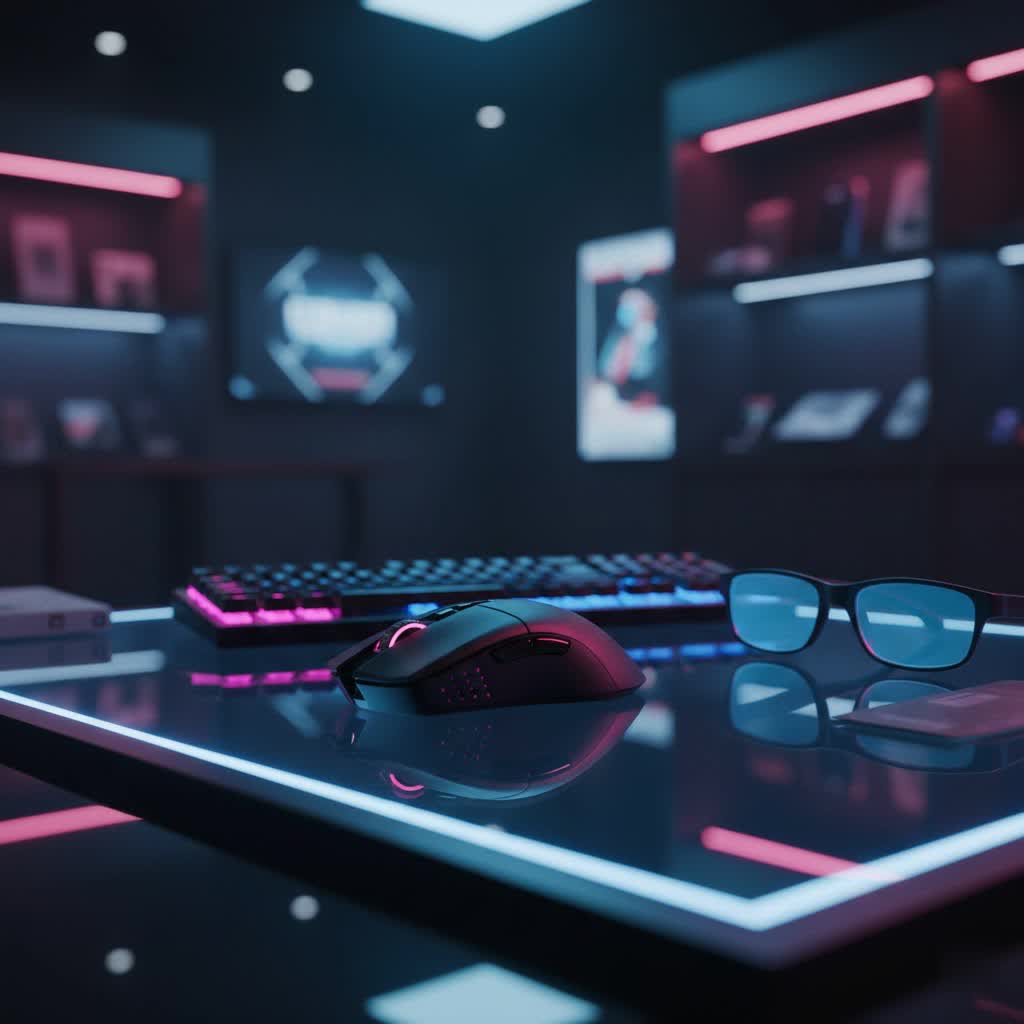
Gaming Mice: What Are They and Why Do They Matter?
A gaming mouse is a specialized input device crafted with features that significantly enhance a player’s interaction with video games, setting it apart from standard office mice. These enhancements include high-precision sensors, faster response times, programmable buttons, and ergonomic designs tailored for extended use and specific grip styles. For competitive gaming, the importance of a gaming mouse cannot be overstated; it translates subtle hand movements into accurate in-game actions, drastically impacting aiming, navigation, and overall responsiveness. A superior gaming mouse minimizes input lag and maximizes tracking accuracy, crucial elements for success in high-stakes esports environments.
The Logitech G Pro X Superlight: A Masterclass in Design
The Logitech G Pro X Superlight isn’t just another gaming mouse; it represents a pinnacle in wireless gaming technology, prioritizing minimal weight and maximum performance. It distinguishes itself within the landscape of gaming mice through its deliberate design choices. While many gaming mice focus on a plethora of buttons or dazzling RGB lighting, the Superlight adopts a “zero opposition” philosophy, shedding non-essential features to achieve its core objective: an ultra-light, unhindered gaming experience.
Categories of Gaming Mice and Where the Superlight Shines
Gaming mice can be broadly categorized by their design, connectivity, and sensor technology.
- By Design:
- Ergonomic: Shaped to fit the natural curve of the right or left hand, offering maximum comfort for long sessions.
- Ambidextrous: Symmetrically designed, suitable for both left and right-handed users. The G Pro X Superlight features an ambidextrous shape but removes right-side buttons present in its predecessor (the G Pro Wireless) to save weight, making it a “faux-ambidextrous” design.
- Vertical: Designed to reduce wrist strain by orienting the hand in a handshake position.
- By Connectivity:
- Wired: Offers consistent connection with zero perceived latency but can be restrictive due to the cable.
- Wireless: Provides freedom of movement, with advanced technologies like Logitech’s LIGHTSPEED minimizing latency to wired-like levels. The Superlight is a prime example of a high-performance wireless mouse.
- By Sensor:
- Optical: Uses an LED to illuminate the surface and a photodiode to detect movement. Generally preferred by gamers for their raw tracking and reliability.
- Laser: Uses a laser diode for illumination, capable of tracking on a wider variety of surfaces.
|
Our Picks for the Best Gaming Mouse in 2026
As an Amazon Associate I earn from qualifying purchases.
|
||
| Num | Product | Action |
|---|---|---|
| 1 | Razer DeathAdder Essential Gaming Mouse: 6400 DPI Optical Sensor - 5 Programmable Buttons - Mechanical Switches - Rubber Side Grips - Classic Black |

|
| 2 | Logitech G PRO X Superlight Wireless Gaming Mouse, Ultra-Lightweight, Hero 25K Sensor, 25,600 DPI, 5 Programmable Buttons, Long Battery Life, Compatible with PC/Mac - Black |
|
| 3 | Razer Basilisk V3 X HyperSpeed Customizable Wireless Gaming Mouse: Mechanical Switches Gen-2-5G Advanced 18K Optical Sensor - Chroma RGB 9 Programmable Controls 535 Hr Battery Classic Black |
|
| 4 | Razer Basilisk V3 Customizable Ergonomic Gaming Mouse: Fastest Gaming Mouse Switch - Chroma RGB Lighting - 26K DPI Optical Sensor - 11 Programmable Buttons - HyperScroll Tilt Wheel - Classic Black |
|
| 5 | MechLands AJAZZ AJ139P V3 MC Wireless Mouse with Charging Base, 3 Modes Gaming Mouse with 800mAh Battery, Adjustable 24,000 DPI, PAW3311 Sensor, 1000 Polling Rate, 69g Lightweight, Win/Mac (Black) |
|
| 6 | Razer Viper V3 Pro Wireless Esports Gaming Mouse: Symmetrical - 54g Lightweight - 8K Polling - 35K DPI Optical Sensor - Gen3 Optical Switches - 8 Programmable Buttons - 95 Hr Battery - Black |
|
| 7 | Logitech G502 Hero High Performance Wired Gaming Mouse, Hero 25K Sensor, 25,600 DPI, RGB, Adjustable Weights, 11 Buttons, On-Board Memory, PC/Mac |
|
| 8 | MAMBASNAKE ATTACKSHARK V8 Wireless Ultralight Gaming Mouse with 8K Polling,42000 DPI,Nordic54L15 MCU Chip,PAW3950 Max Sensor-Wired/BT/2.4Ghz,400Hrs Long Battery,Programmable for PC Mac FPS(White+Tape) |
|
| 9 | Redragon M612 Predator RGB Gaming Mouse, 8000 DPI Wired Optical Mouse with 11 Programmable Buttons & 5 Backlit Modes, Software Supports DIY Keybinds Rapid Fire Button |
|
| 10 | Logitech G305 Lightspeed Wireless Gaming Mouse, Hero 12K Sensor, 12,000 DPI, Lightweight, 6 Programmable Buttons, 250h Battery Life, On-Board Memory, PC/Mac - Black |
|
The Logitech G Pro X Superlight firmly establishes itself as an ultra-lightweight, shape-only ambidextrous, wireless optical gaming mouse. Its focus on lightness, combined with the precision of an optical sensor and the freedom of wireless connectivity, makes it an ideal choice for competitive players who demand uncompromising performance.
Comparative Edge: Superlight’s Distinction
When comparing the Logitech G Pro X Superlight against general gaming mouse types, its advantages become clear, especially for competitive play.
| Feature | Traditional Heavy Wired Mouse | Standard Wireless Gaming Mouse | Logitech G Pro X Superlight Wireless Gaming Mouse |
|---|---|---|---|
| Weight | Often 100g+ | Typically 80-120g | Under 63g (approx. 60g) |
| Precision | High, but can be hindered by cable drag | Varies, can have minor latency | Exceptional (HERO 25K Sensor) |
| Latency | Minimal | Can vary, some noticeable lag | Ultra-low (LIGHTSPEED 1ms report rate) |
| Comfort | Varies by design | Varies by design | High, ambidextrous shape, for various grip types |
| Freedom | Limited by cable | High | Unrestricted wireless movement |
| Price | Often lower to mid-range | Mid to high-range | Premium (High-end) |
| RGB Lighting | Common | Common | None (weight-saving design) |
| Side Buttons | Varies, often numerous | Varies, often more | Limited (2 left-side only) |
This focused approach allows the Superlight to excel in areas most critical to esports: speed, agility, and precise input. The absence of RGB lighting and minimized button count are not drawbacks but intentional design choices to achieve its record-breaking low weight.
Key Factors to Consider When Choosing a Gaming Mouse
Selecting the right gaming mouse involves evaluating several critical factors that directly impact your performance and comfort. For a mouse like the Logitech G Pro X Superlight, these features are optimized for competitive play.
Sensor (HERO 25K)
The sensor is the heart of any gaming mouse, dictating its accuracy and responsiveness. The Logitech G Pro X Superlight features the HERO 25K optical sensor, a proprietary technology from Logitech G known for its exceptional precision and power efficiency.
- DPI (Dots Per Inch) / CPI (Counts Per Inch): The HERO 25K offers a resolution range from 100 to an impressive 25,600 DPI. While most gamers don’t use such high settings, the wide range ensures precise tracking at any sensitivity level. It boasts “zero smoothing, filtering, or acceleration,” ensuring raw, unfiltered input for competitive integrity.
- IPS (Inches Per Second) & Acceleration: The sensor tracks speeds up to 400 IPS and can handle acceleration up to 40G, meaning it accurately registers even the fastest, most aggressive mouse movements without skipping or spinning out.
Shape, Size, and Grip Style
The physical design of a mouse is paramount for comfort and control. The G Pro X Superlight maintains the acclaimed ergonomic shape of its predecessor, the G Pro Wireless. It measures 4.92 inches long, 2.5 inches wide, and 1.57 inches tall (125 x 63.5 x 40mm). Its symmetrical, ambidextrous-friendly shape (though with only left-side buttons) makes it versatile for various hand sizes and grip styles, including:
- Palm Grip: The entire palm rests on the mouse, offering stability and broad control.
- Claw Grip: Fingers are arched like a claw, with the palm resting on the back of the mouse, providing a balance of precision and quick movements.
- Fingertip Grip: Only the fingertips touch the mouse, allowing for rapid, micro-adjustments with maximum agility.
Many users find its “safe shape” to be universally comfortable, a significant advantage for gamers who prioritize consistent feel during long sessions.
Number of Buttons and Customization
The Superlight features 5 programmable buttons: the left and right click, scroll wheel click, and two left-side thumb buttons. While this is fewer than some other gaming mice (notably, it lacks the right-side buttons of the G Pro Wireless), this minimalist approach is a deliberate choice to reduce weight. Customization is handled through Logitech G Hub software, where users can remap buttons, set macros, and fine-tune DPI settings. The mouse also includes onboard memory, allowing up to five profiles to be stored directly on the device, ensuring a consistent setup across different systems without needing the software installed.
Durability and Build Quality
Durability is crucial for a device that undergoes millions of clicks and rapid movements. The G Pro X Superlight is constructed with high-quality, PCV-free materials and “eco-friendly” post-consumer resin. Logitech states they made “new innovations in mechanical design combined with ABS plastics” for its lightweight yet sturdy build. Addressing past concerns with double-clicking issues in the G Pro Wireless, Logitech implemented changes to its switch technology in the Superlight, aiming for enhanced longevity and reliability.
Weight
The defining feature of the G Pro X Superlight is its ultra-low weight, at less than 63 grams (often measured around 60g). This is a 25% reduction compared to its predecessor, the G Pro Wireless (80g), and makes it one of the lightest wireless gaming mice on the market. This featherlight design significantly reduces wrist and arm fatigue during extended gaming sessions, enabling faster flicks, more precise micro-adjustments, and generally quicker reactions without feeling flimsy. The mouse barely feels perceptible in the hand, contributing to frictionless play.
Connectivity
The Superlight utilizes Logitech’s LIGHTSPEED wireless technology, providing a pro-grade 2.4 GHz connection with a 1 ms (1000 Hz) report rate. This ensures that mouse movements are transmitted to the computer with virtually no perceivable lag, offering a wired-like performance without the constraints of a cable. The mouse is also POWERPLAY compatible, meaning it can be wirelessly charged via a Logitech POWERPLAY mouse mat while in use, eliminating the need for traditional charging cables during gameplay. For charging, it uses an included MicroUSB to USB Type-A cable, though some users note the absence of a more modern USB-C port.
LED RGB Lighting
In line with its “zero opposition” philosophy and weight-saving efforts, the Logitech G Pro X Superlight features no RGB lighting. This absence is a conscious design decision, cutting down on components and power draw, thereby contributing to its minimal weight and impressive battery life. While RGB adds aesthetic flair, its omission here underscores the Superlight’s pure performance focus.
Top Gaming Mice: The Logitech G Pro X Superlight in Focus
The Logitech G Pro X Superlight Wireless Gaming Mouse consistently ranks among the top choices for competitive gamers, not just for its brand recognition, but for its proven performance. It delivers on its promise of an unhindered gaming experience, becoming a go-to for many esports professionals.
The mouse is lauded for its best-in-class wireless connectivity, combined with a top-performing sensor and a featherweight design. Its HERO 25K sensor provides flawless tracking, even at high speeds and accelerations, ensuring every subtle movement is captured with extreme accuracy. The LIGHTSPEED wireless technology truly makes it feel like a wired mouse, eliminating concerns about lag or interference that once plagued wireless peripherals.
One of the most praised aspects is its weight. At roughly 60 grams, it feels incredibly agile, making fast flicks and precise aiming less strenuous. This can lead to reduced fatigue over long gaming sessions and potentially improved reaction times. Users often find themselves adjusting to faster, more responsive movements due to the mouse’s minimal mass.
However, the Superlight’s minimalist design also means certain tradeoffs. It has fewer programmable buttons compared to some other high-end gaming mice, specifically removing the right-side buttons found on the G Pro Wireless. This might be a limitation for left-handed users or those who rely heavily on multiple side buttons for macros in certain games. Additionally, while functional, the scroll wheel has been noted by some as feeling like a slight downgrade from its predecessor, occasionally missing a scroll input or having a “mushy” button feel. The use of MicroUSB for charging instead of the more modern USB-C is another minor point of contention for some.
Despite these minor considerations, the G Pro X Superlight’s core strengths—its extreme lightness, precise sensor, and flawless wireless performance—make it an exceptional tool for anyone serious about competitive gaming. It’s a testament to Logitech’s ability to refine an already excellent product (the G Pro Wireless) into something even more specialized for the demands of esports.
Tips for Using and Maintaining Your Gaming Mouse
To ensure your Logitech G Pro X Superlight Wireless Gaming Mouse performs optimally and lasts for years, proper usage and maintenance are essential.
- Regular Cleaning: Over time, dust, sweat, and debris can accumulate on the mouse, especially in the sensor area and between buttons. Use a soft, dry cloth or cotton swab with a small amount of isopropyl alcohol to gently clean the surface and sensor lens. Ensure the mouse is powered off before cleaning.
- Use a Quality Mousepad: A good gaming mousepad provides a consistent surface for the sensor to track on, enhancing accuracy and glide. The Superlight’s large, zero-additive PTFE feet are designed for smooth movement, and a clean, high-quality mousepad will maximize this benefit.
- Keep Drivers and Firmware Updated: Logitech G Hub software is key for customizing your mouse. Regularly check for firmware and driver updates through the software. These updates can improve performance, fix bugs, and optimize battery life.
- Manage Battery Life: While the Superlight boasts up to 70 hours of continuous motion battery life, managing it wisely is beneficial. Utilize the Logitech G Hub software to monitor the exact battery percentage. If you have a POWERPLAY mat, you can benefit from continuous charging. Otherwise, establish a routine for charging to avoid running out of power during critical moments.
- Store Properly: When not in use, especially for travel, store your mouse in a protective case to prevent damage to its lightweight chassis and internal components.
Conclusion
The Logitech G Pro X Superlight Wireless Gaming Mouse stands as a formidable contender in the high-performance gaming peripheral market, embodying a philosophy of “zero opposition” by stripping away all non-essential elements to deliver pure, unadulterated performance. Its ultra-lightweight design (under 63 grams), coupled with the supremely accurate HERO 25K sensor and Logitech’s lightning-fast LIGHTSPEED wireless technology, offers an unparalleled advantage for competitive players. While it foregoes RGB lighting and streamlines its button count for weight savings, these deliberate choices underscore its commitment to esports excellence. For gamers seeking the ultimate edge in speed, precision, and unhindered movement, investing in the Logitech G Pro X Superlight Wireless Gaming Mouse is a decision that truly levels up the playing field. What aspects of an ultra-lightweight design do you find most impactful on your gaming performance?
Frequently Asked Questions
What makes the Logitech G Pro X Superlight so light?
The Logitech G Pro X Superlight achieves its ultra-lightweight design, typically around 60 grams, through a meticulous engineering process. Logitech removed non-essential components like RGB lighting and right-side buttons, utilized advanced mechanical designs, and opted for lightweight yet durable ABS plastics and eco-friendly resins. This minimalist approach directly contributes to its incredibly low mass, enhancing agility and reducing fatigue during intense gaming sessions.
Is the Logitech G Pro X Superlight suitable for all grip styles?
Yes, the Logitech G Pro X Superlight’s symmetrical, ambidextrous-friendly shape is widely considered a “safe shape” that accommodates various grip styles, including palm, claw, and fingertip grips. Its ergonomic contours are designed for comfort across different hand sizes, making it a versatile choice for a broad spectrum of gamers, though individuals with very small hands might find fingertip grip slightly challenging for side button access.
Does the Logitech G Pro X Superlight have any RGB lighting?
No, the Logitech G Pro X Superlight Wireless Gaming Mouse does not feature any RGB lighting. The absence of RGB is a deliberate design choice by Logitech to reduce the mouse’s overall weight and power consumption. This decision aligns with its core philosophy of prioritizing performance and ultra-lightness for competitive gaming above aesthetic embellishments.
What is Logitech LIGHTSPEED wireless technology?
Logitech LIGHTSPEED is a professional-grade wireless technology developed by Logitech G that provides a highly optimized, low-latency wireless connection. It operates at 2.4 GHz and boasts a 1 millisecond (1000 Hz) report rate, which means the mouse communicates with the computer 1,000 times per second. This ensures that wireless performance is virtually indistinguishable from a wired connection, eliminating concerns about lag or interference for competitive gaming.
What is the battery life of the Logitech G Pro X Superlight?
The Logitech G Pro X Superlight offers an impressive battery life of up to 70 hours of continuous motion on a single charge. This extended battery performance is largely due to the power efficiency of the HERO 25K sensor and the absence of power-hungry features like RGB lighting. It can be recharged via the included MicroUSB cable or continuously powered by a Logitech POWERPLAY wireless charging mouse mat.
